
RGB to Hex Converter
Convert RGB colour values to HEX colour codes instantly. Get the exact colour code for CSS, design tools and branding. Free to use, private and fast – it works on any phone or computer with no sign-up.
Rate this tool
How was your experience with the RGB to Hex Converter?
Be the first to rate this tool
Share on Social Media:


Get the Exact HEX Code for Any Colour
Convert RGB colour values to HEX colour codes instantly. Get the exact colour code for CSS, design tools and branding. RGB describes colours with red, green and blue values from 0 to 255. HEX writes the same colour as a six-digit code like #1A73E8 used in HTML and CSS.
People rely on the RGB to Hex Converter for writing CSS colours, matching brand colours, converting design tool values and learning colour codes. Everything happens in your browser, so there is nothing to download, nothing to set up and no account to create – you get a clean result in seconds and can get back to your work.
How the RGB to Hex Converter Works
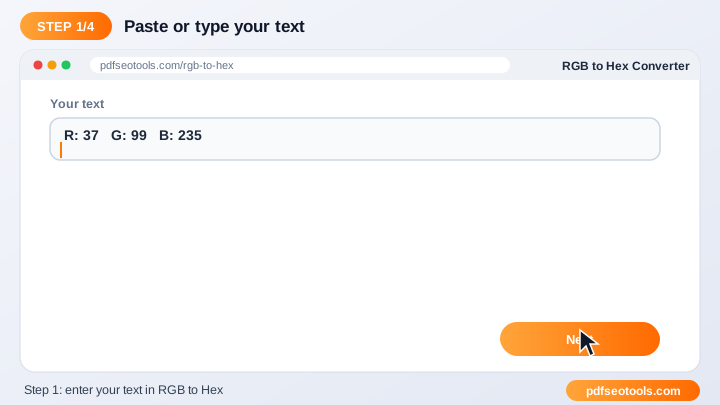
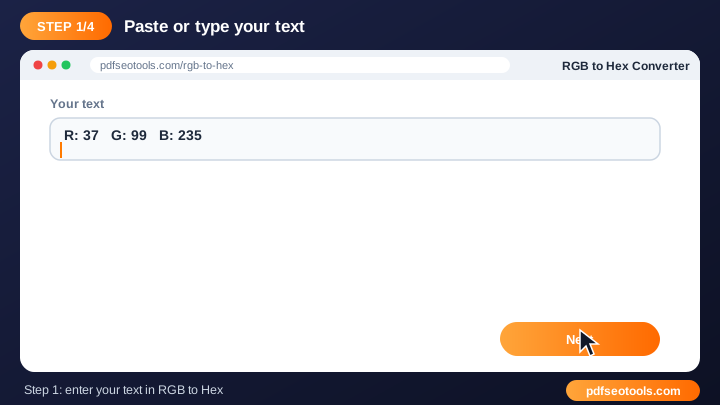
- Step 1: Enter the Red, Green and Blue values (0–255).
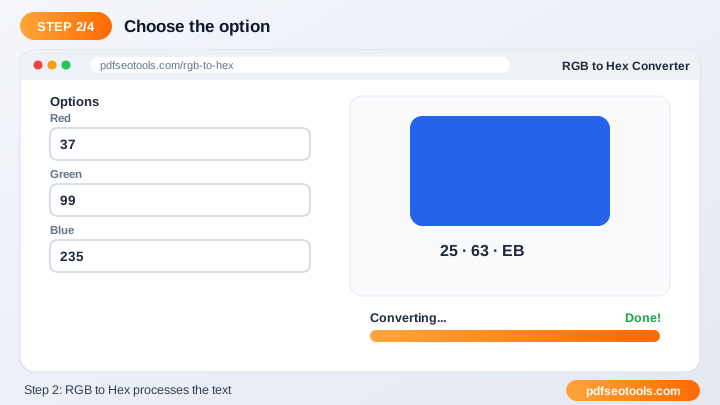
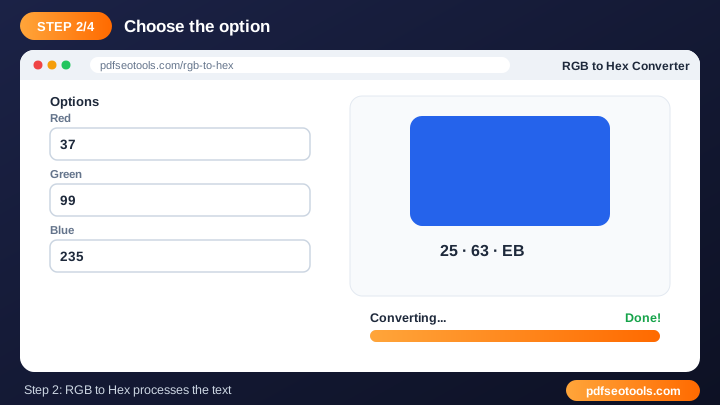
- Step 2: The matching HEX colour code appears instantly.
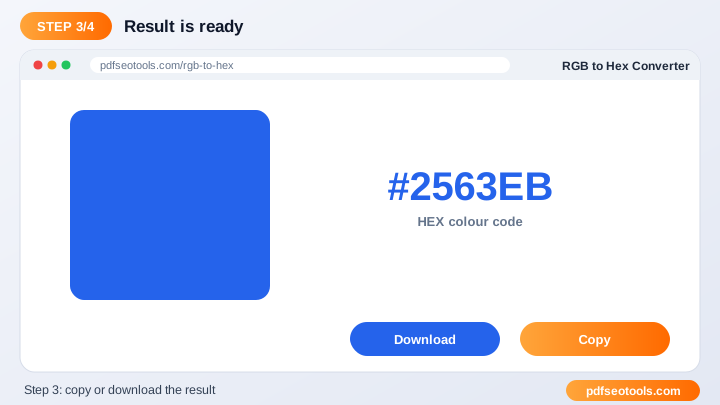
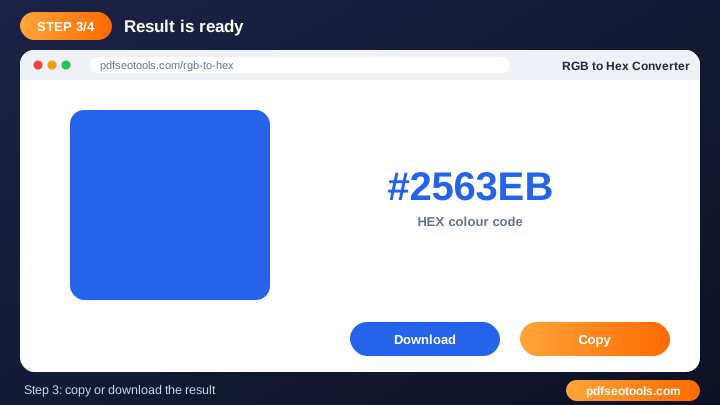
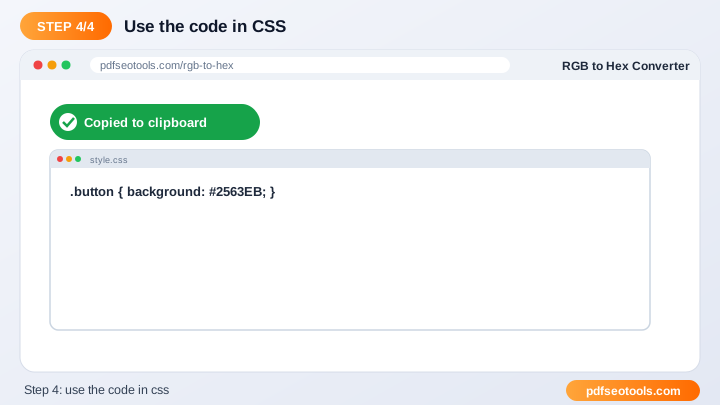
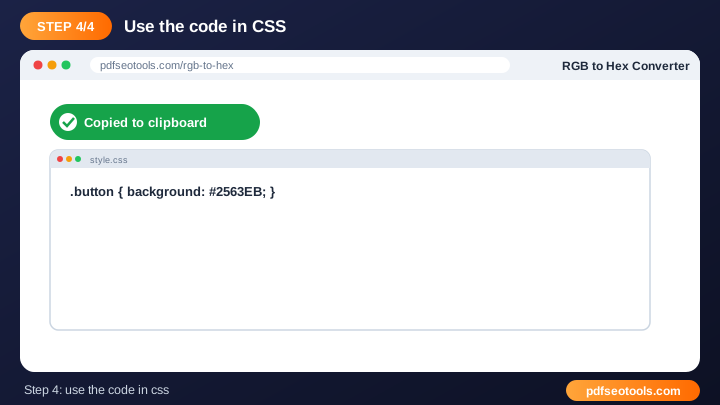
- Step 3: Copy the HEX code into your CSS or design tool.
Why People Choose Our RGB to Hex Converter
- No account required Open the page and start immediately – no registration, no email address and no trial period.
- Encrypted HTTPS connection Everything you send travels over a secure, encrypted connection.
- Nothing is published or shared The data you enter is used only to show your result. It is never published, sold or shared.
- Works on every device The layout adapts to phones, tablets and desktops, and runs in Chrome, Safari, Firefox and Edge.
- Free with no hidden limits Use it as often as you need for everyday tasks – no watermark and no surprise charges.
- Simple interface A clean layout that anyone can use without training.
- Copy and download Move the result to your document, CMS or email quickly.
RGB to Hex Converter: Frequently Asked Questions
What is a HEX code?
A six-digit hexadecimal representation of an RGB colour. For example, RGB(37, 99, 235) becomes #2563EB, which you can paste straight into CSS or a design tool.
Is there a limit on how much text I can enter?
The tool handles long texts comfortably, such as full articles or essays. For very large documents, process them in a few parts – it keeps the page responsive and makes it easier to review the result.
Should I check the result before using it?
Yes. The tool does the heavy lifting in seconds, but a quick read-through ensures the result matches your tone and purpose, especially for rewritten or converted text that you plan to publish.
Is the RGB to Hex Converter safe and private?
Yes. Everything travels over a secure HTTPS connection, and the data you enter is used only to show your result – it is never published or sold. You do not need an account, and the tool works the same way on phones, tablets and computers.
Related Free Tools
- Small Text GeneratorGenerate tiny text, superscript and small caps letters to copy and paste anywhere.
- Word CombinerCombine words to create unique names, domain ideas and keyword combinations.
- English ConverterConvert text between English variants and transliterate text into English letters online.
- ParaphrasedParaphrase sentences and paragraphs online to express ideas in new words.
- Word CounterCount words, characters, sentences and paragraphs instantly.
- Comma SeparatorConvert lists into comma-separated values and back instantly.
Start Using the RGB to Hex Converter
Ready to try it? Open the RGB to Hex Converter at the top of this page, enter the Red, Green and Blue values (0–255) and see the result in seconds.
Bookmark PDF SEO Tools to keep 150+ free tools for PDFs, images, text, SEO and development one tap away.
Something not working, or missing a feature you need? Tell our support team – we read every message.


