Online Text Editor
To get started, open a text file with one of the buttons .
Share on Social Media:
Online Text Editor
Online text editor enables you to write text, edit text, download the file, and use it anywhere you want.
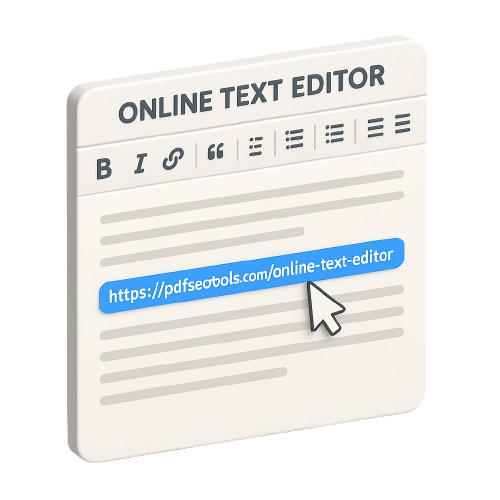
How to use this Online Text Editor?
You can write and edit your text with this online text editor by following a few steps.
- Start typing in the input field.
- Use the editing functions if needed.
- Add media in the text if required.
- You can save the final file as a pdf or a doc file format.
How to use Text Editor
1.First, open a text file on your computer from Google Drive, or. GMail attachment.
2.The document will come up on your browser where you can. make any further changes in it.
3.After the editing and changing is done you can save the. edited file back to GoogleDrive, by pressing "Save to Drive.
4."Use the "Download" button to download a copy of the file to. your computer or device.
How Text Editor works
- Text Editor is a pure Javascript web app. All processing is done locally in your web browser and on your computer.
- This app will open a text file of your choice, letting you make changes and save back them to Google Drive or your computer.
- Text Editor can open all text files types including TXT, CSV, HTML, XML, CSS and JSON as well as code files such as C++, Java, and Python.
- Standard text editor features are supported including syntax highlighting, word wrap, themes, and keyboard shortcuts.
- Keyboard shortcuts are supported; press the "Keyboard" icon in the toolbar to display a list of all keyboard shortcuts.
Text Editor Toolbar
- Text Editor has a toolbar that allows you to configure the editor screen according to your preferences.

- The buttons on the toolbar are described below.
- Undo - Undo the last action or text edit
- Redo - Redo the last action or text edit
- Print - Print the current text document
- Word Wrap - Toggle the current word wrap mode. Cycles between word wrap on, word wrap to edge of editor, and word wrap to the print margin, if defined.
- Line Numbers - Toggle whether line numbers are displayed on the side of the editor.
- Print Margin - Toggle whether the print margin is displayed. Cycles between displayed at 80 characters, displayed at 100 characters, and off.
- Tab Mode - Toggle the tab mode. Cycles between hard tabs, soft tabs with 2 spaces, and soft tabs with 4 spaces.
- Whitespace characters - Toggles whether "invisible" whitespace characters are shown, for example, tab markers, spaces between words and carriage returns (line breaks).
- Font size - Cycles through font sizes ranging from 10px font size to 24px font size.
- The theme - This option allows you to cycle through "light," "dark," and "blue" selection in theme.
Find and Replace - Finds the text specified in the page and replaces one or more appearances with a new text value, when specified. - Go to Line - Jumps to the specified line number in the text document.
- Download - Downloads a copy of the text file to your browser.
- Open in Drive - Opens the text file in Google Drive